Portal-H
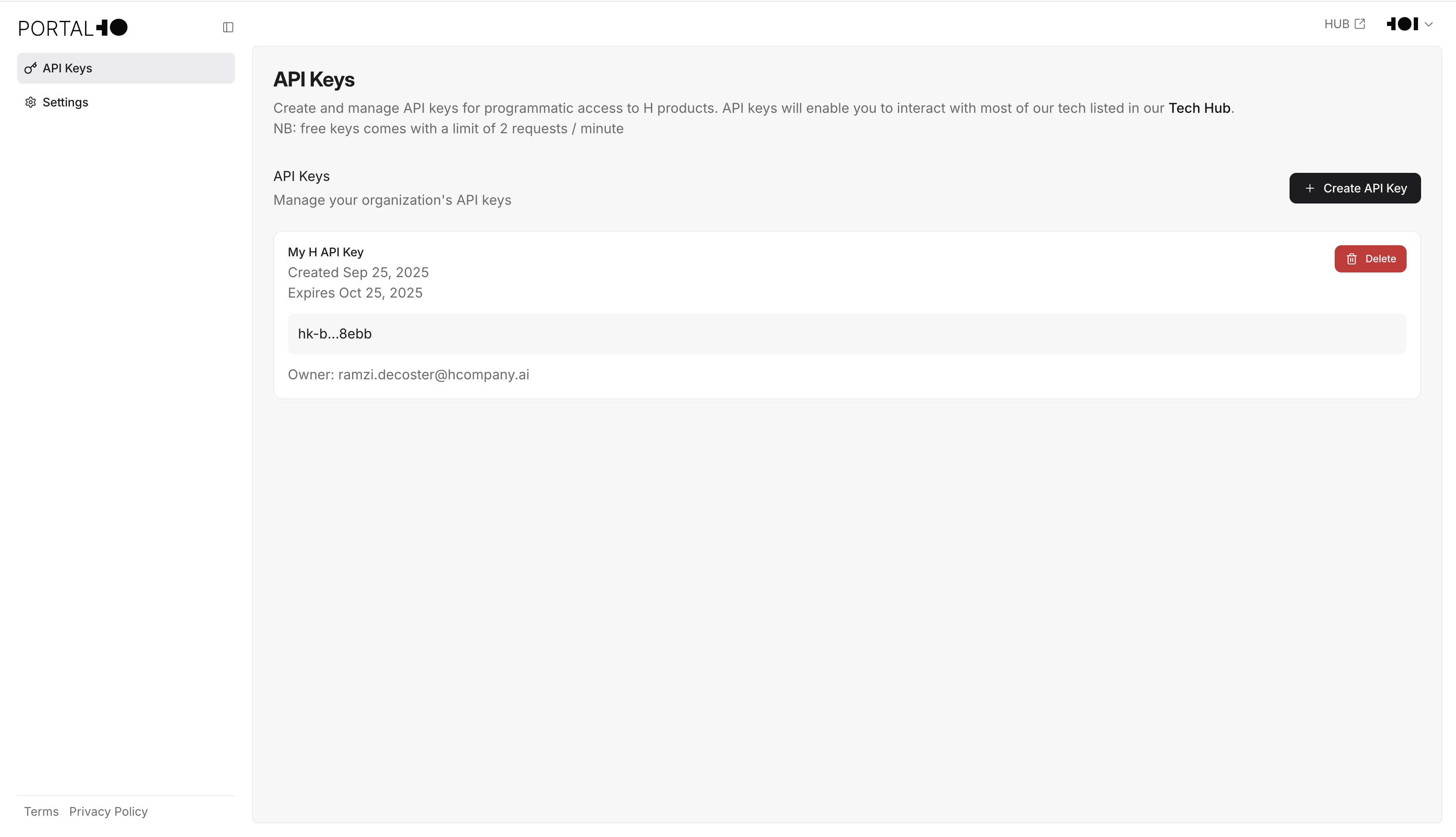
Portal-H is H Company’s authentication system and hub. It lets you manage your access to all H products and generate API keys for calling our models, building AI agents, and running localization tasks. Portal-H stores your API keys so you can retrieve them when you need to.What you can do with Portal-H
- Generate an API key for use with H Company’s platforms, products, and APIs.
- Store existing API keys so you can retrieve them later.
- Access all H platforms and products from one place.
Generate an API key
Create an API key for use with H’s platforms and products through Portal-H.Log into Portal-H
Enter your email address and password or Sign up to create a Portal-H account.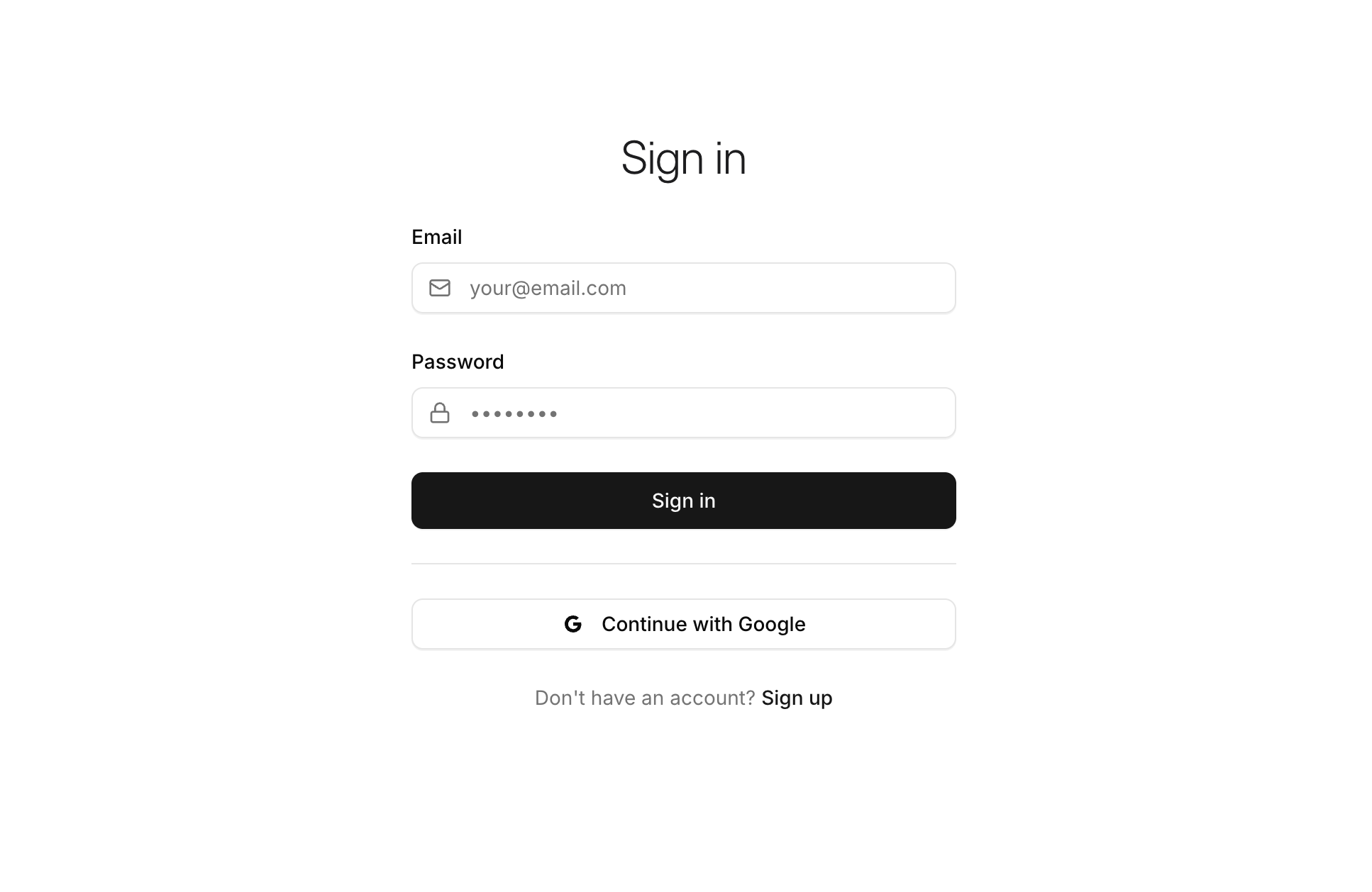
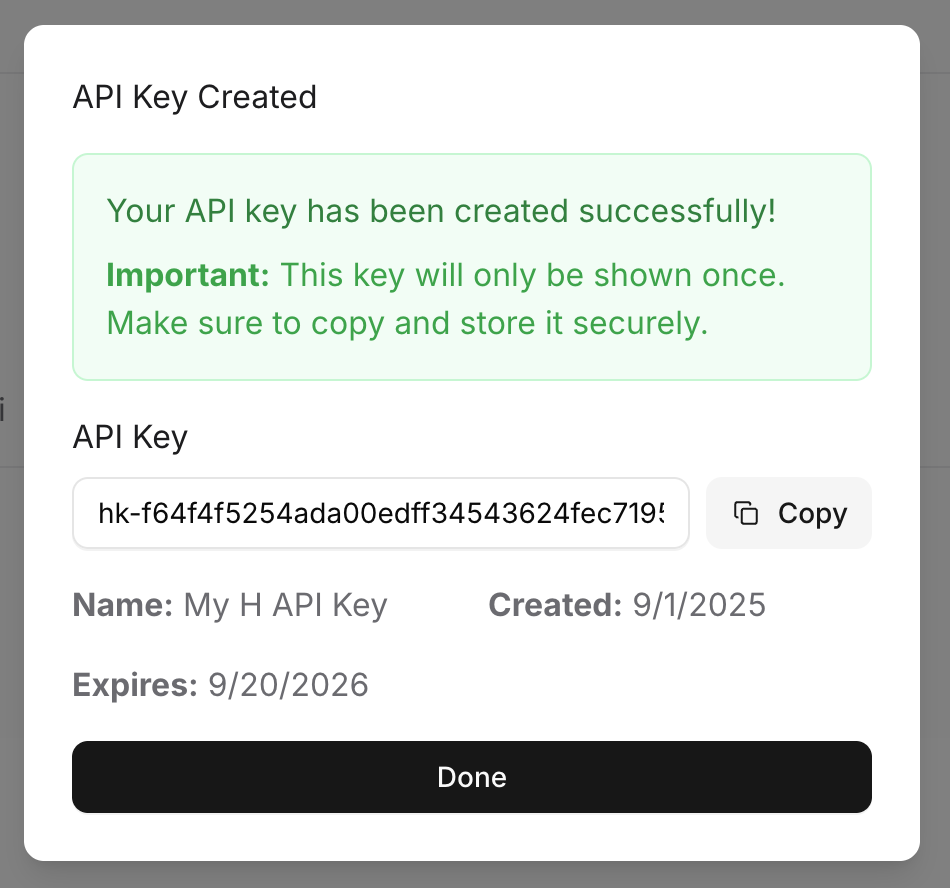
Generate an API key
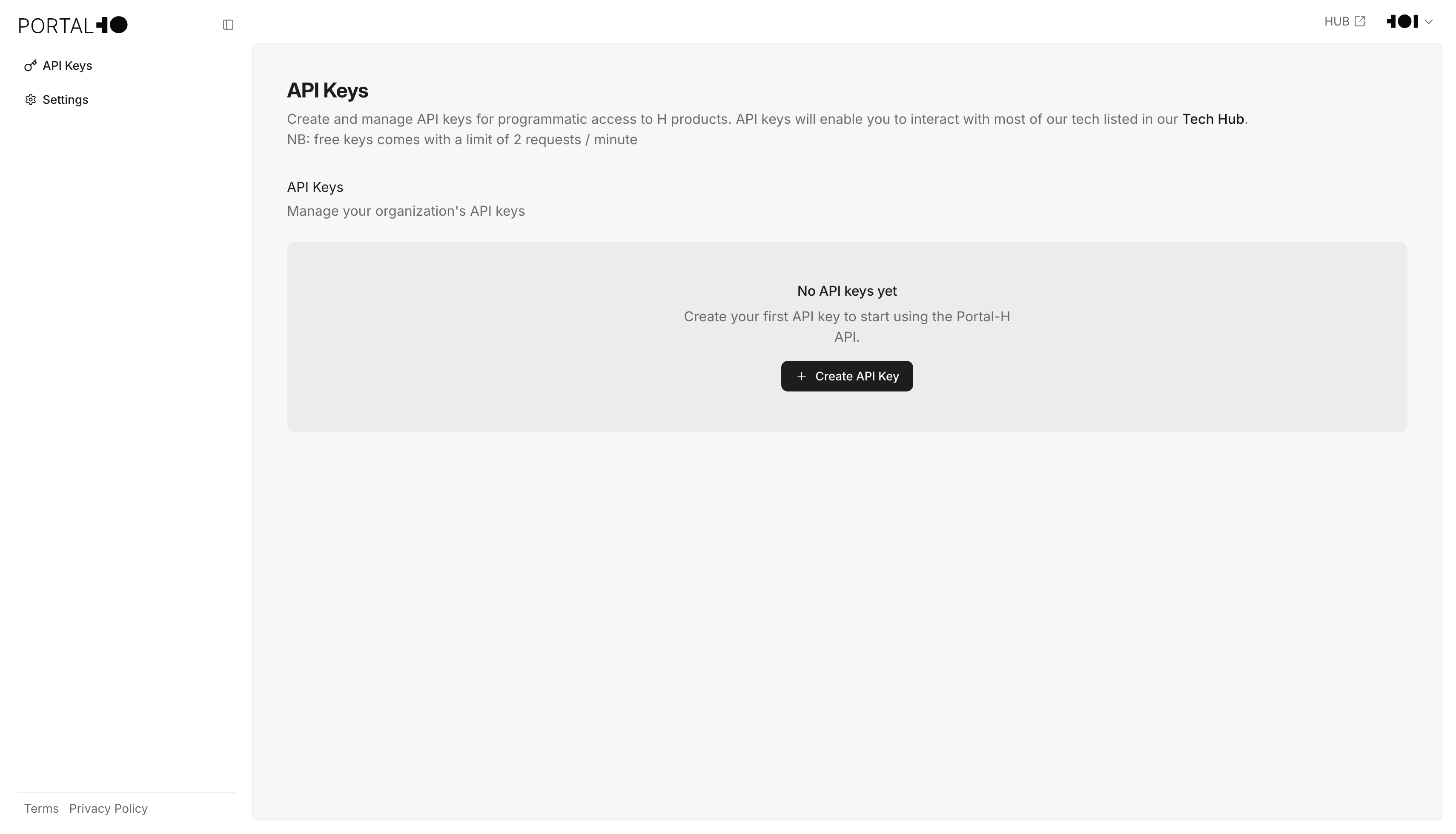
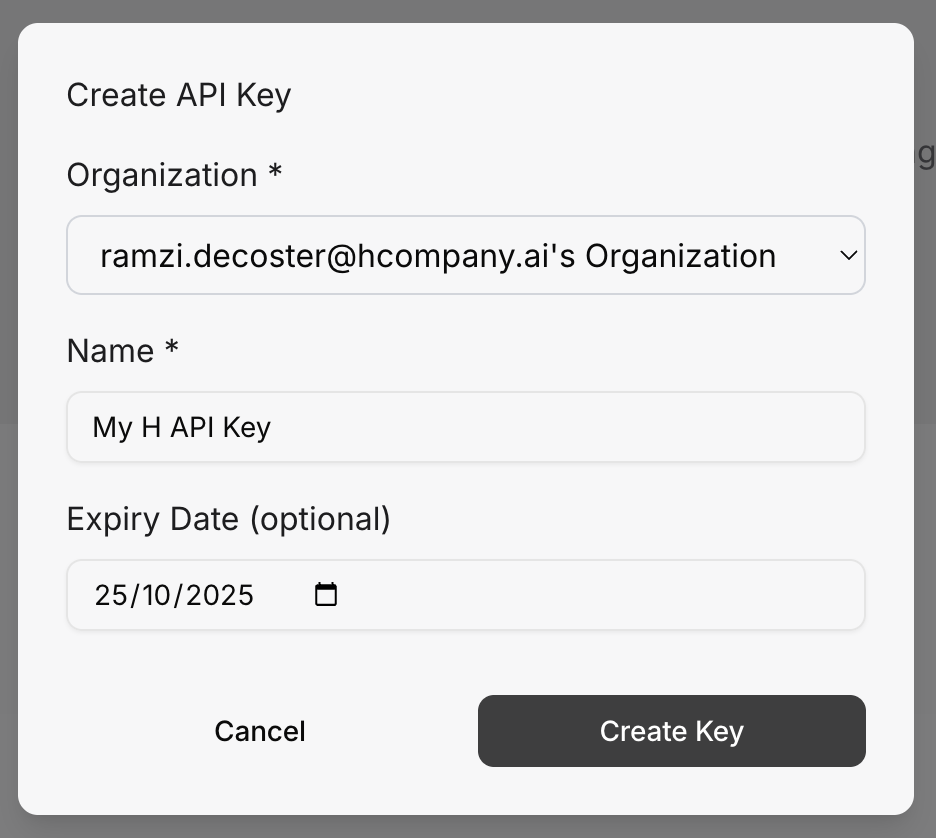
Click + Create API Key to display the relevant form and begin creating your API key.