

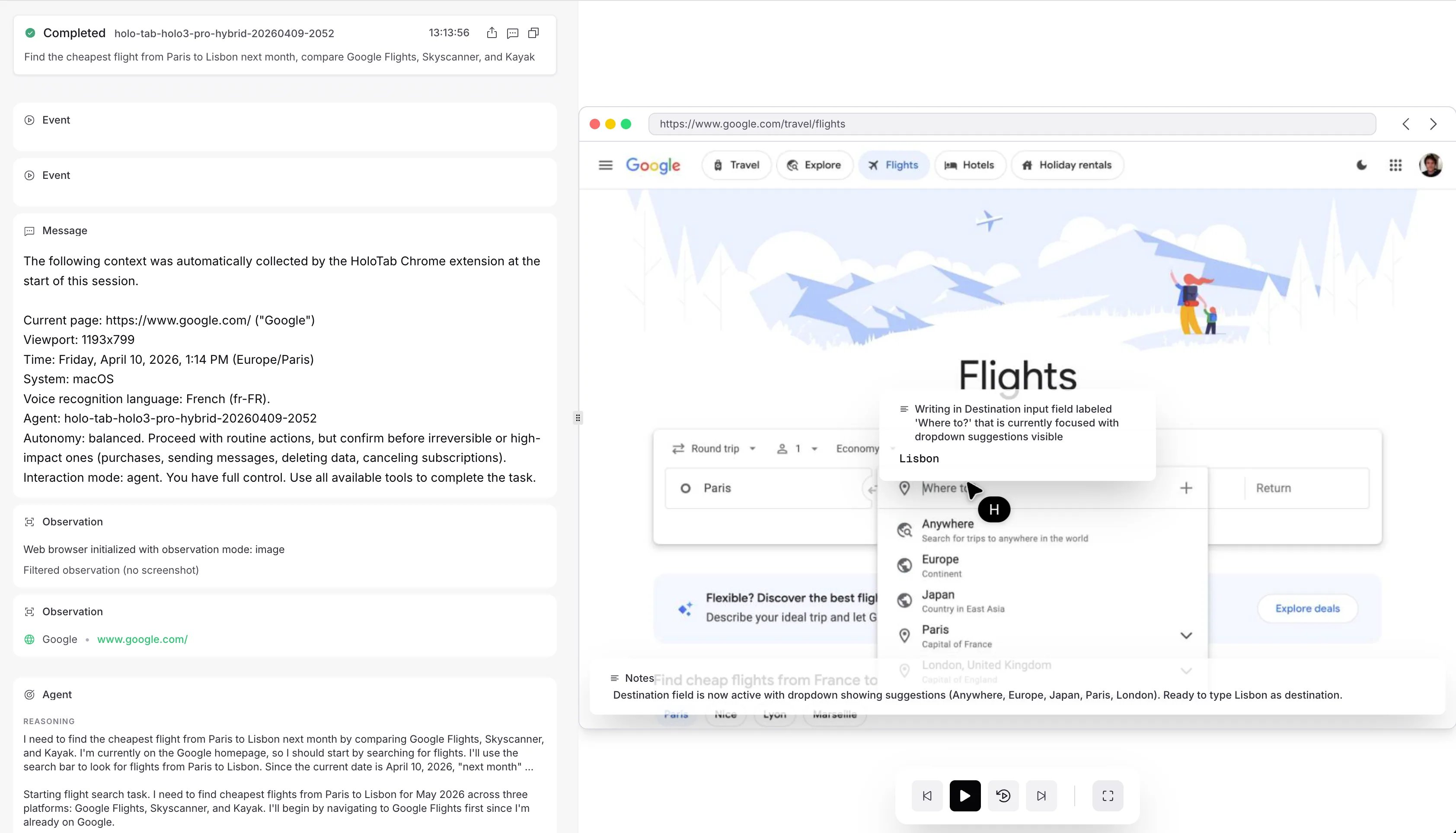
Agent View: watch a session live, or replay it afterward
agent_view_url links straight there. Watch it live to debug a detour or tune a prompt, or replay every observation, action, and message once it ends. Agent View reads the same events stream as your code.
Everything below targets the session id and works the same for a single agent or a manager with subagents.
Watch a run
run_session / runSession) never surfaces the session mid-run. To read or intervene while it works, start the session and keep its handle.
Stream events as they arrive
The SDK handle’sstream() runs the changes long-poll loop for you and yields each event in order.
- It resumes
from_indexand skips204no-change responses. - It stops when the session settles: a terminal state, or
idle. Passuntil="terminal"to keep it open across the idle turns of an interactive session. - With custom tools, it answers their calls: after each batch of events, it runs the calls the agent is waiting on and posts the results. It uses the tools the handle was started with, or the
toolsyou pass. - Without tools it is read-only, so another process can answer the calls while you watch.
stream and wait_for_completion share its tools and run each call once between them. Loops on separate handles or processes don’t coordinate: give tools to one of them only, or a call can run twice.
Steer a running agent
Until the session reaches a terminal state, you can:Hold an interactive conversation
By default a session ends when the agent answers. Setidle_timeout_s at create time to keep it open: after each answer it goes idle and waits that long for your next message, keeping its context and environment across turns. It terminates once a turn goes unanswered for idle_timeout_s.
outcome and, on failure, an error_code: see Session failures. At your concurrency limit, new sessions wait in queued: see Queued sessions.